Complete Guide to WCAG 2.2 Compliance
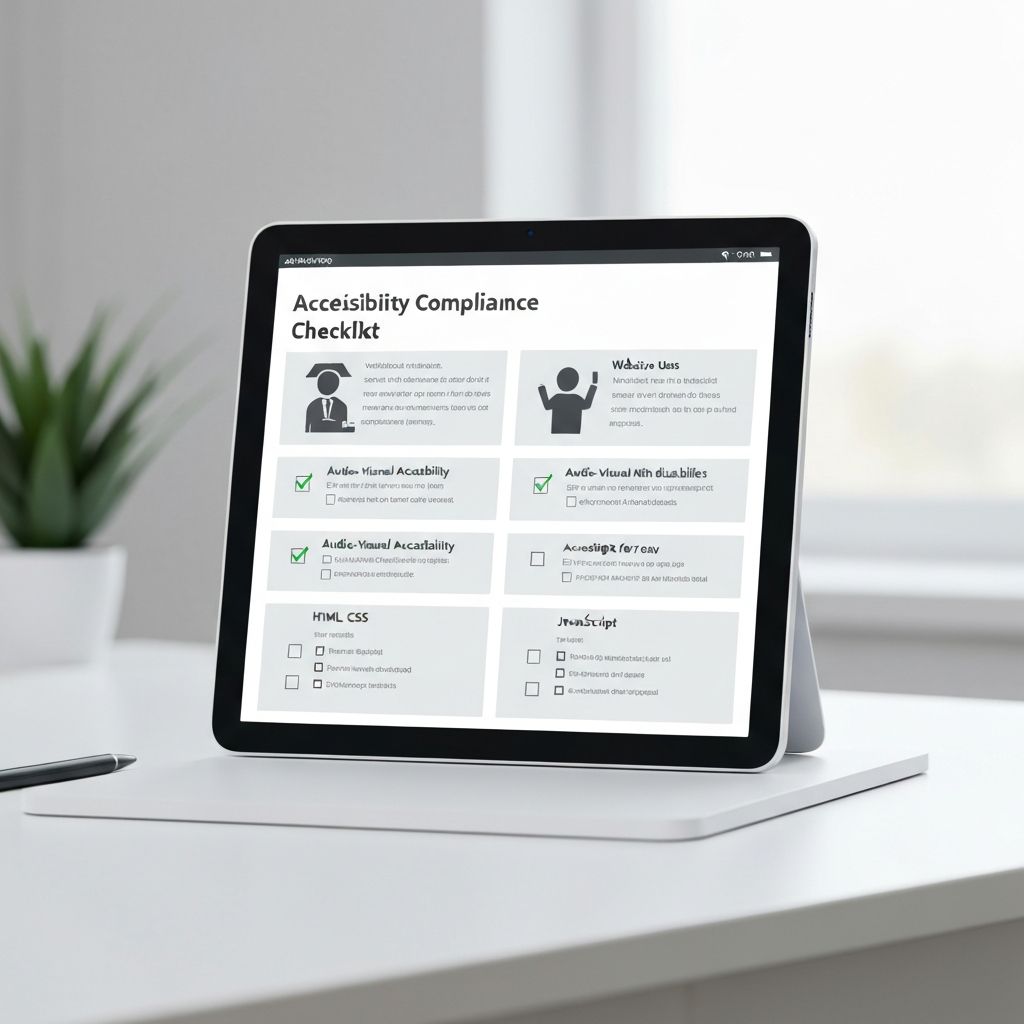
Web Content Accessibility Guidelines (WCAG) 2.2 represents the latest standard in making web content accessible to people with disabilities. Understanding and implementing these guidelines is crucial for creating inclusive digital experiences.
What is WCAG 2.2?
WCAG 2.2 is an extension of WCAG 2.1, adding new success criteria to address gaps in mobile accessibility, people with cognitive or learning disabilities, and low vision users. It provides a comprehensive framework for making web content more accessible.
The Four Principles of WCAG
WCAG is organized around four main principles, often remembered by the acronym POUR:
- Perceivable — Provide text alternatives for images, captions for videos, and ensure content can be presented in different ways without losing meaning.
- Operable — All functionality must be available from a keyboard. Give users enough time to read and use content, and avoid content that could cause seizures.
- Understandable — Text should be readable, pages should behave predictably, and users should be helped to avoid and correct mistakes.
- Robust — Content must be robust enough to be reliably interpreted by a wide variety of user agents, including assistive technologies.
New Success Criteria in WCAG 2.2
WCAG 2.2 introduces nine new success criteria:
- Focus Not Obscured (AA): Keyboard focus indicators must not be hidden behind sticky headers or other content
- Dragging Movements (AA): Single-pointer alternatives must be provided for drag-and-drop actions
- Target Size (AA): Interactive targets must be at least 24×24 CSS pixels
- Consistent Help (A): Help mechanisms appear in the same relative order across pages
- Redundant Entry (A): Users are not asked to re-enter information already provided
- Accessible Authentication (AA): No cognitive tests required for login unless alternatives are provided
- Focus Appearance (AAA): Focus indicators meet minimum visual contrast requirements
Conformance Levels
- Level A — The minimum level. Content that fails A criteria is inaccessible to some users entirely.
- Level AA — The recommended target for most organizations. Required by the European Accessibility Act (EAA) and EN 301 549.
- Level AAA — The highest level. Not required as a blanket standard but applicable to specific content types.
Getting Started
Start by conducting an accessibility audit of your website. Tools like Toegankelijk360 AI can help identify issues automatically, but manual testing is also essential. Focus on the most impactful issues first, prioritizing Level A and AA criteria. Make accessibility part of your definition of done from day one.