Accessibility Tools Compared: from axe and Lighthouse to Toegankelijk360 AI
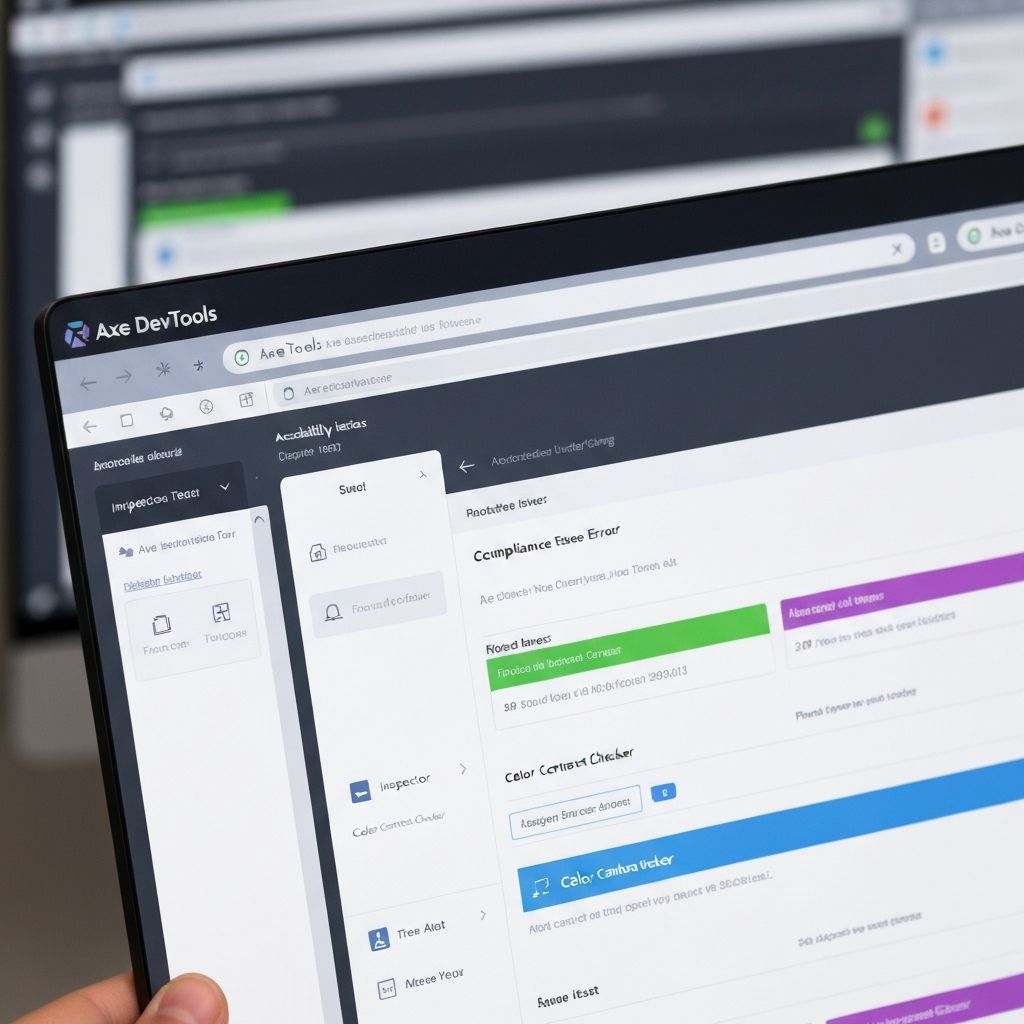
Accessibility tools help you quickly identify issues on your website. Traditional automated tools usually detect only 30–40% of WCAG issues, while AI-enhanced analysis can go further by evaluating context and quality.
axe DevTools 30–40% coverage
Industry-standard accessibility testing engine by Deque Systems
axe DevTools integrates directly into your browser's DevTools. It scans web pages for accessibility issues and provides detailed, actionable guidance, built on the open-source axe-core library.
How it works
Install the browser extension, open DevTools and navigate to the axe DevTools tab. Scan the entire page or specific elements. Results are categorized by severity with the WCAG criterion violated and remediation guidance.
Pros
- Highly accurate with minimal false positives
- Detailed remediation guidance for each issue
- Seamless integration into developer workflow
- Free version with comprehensive features
- Backed by extensive accessibility research
- Automatable in CI/CD pipelines
Cons
- Requires technical knowledge to interpret results
- Limited to automated testing (30–40% of issues)
- Pro features require a paid subscription
- Cannot test dynamic content without manual interaction
Google Lighthouse 25–35% coverage
Built-in Chrome auditing tool
Lighthouse is a free, open-source tool built into Google Chrome. It audits performance, accessibility, PWA, SEO, and more. The accessibility audit is based on axe-core and provides a score out of 100.
How it works
Run from Chrome DevTools, the command line, or as a Node module. Lighthouse simulates how pages are experienced by users with disabilities and provides a score plus lists of passed, failed, and not-applicable audits.
Pros
- Free and built directly into Chrome
- No setup required
- Overall accessibility score at a glance
- Generates shareable reports
- Part of broader web quality auditing
- Integrates into CI/CD and build processes
Cons
- Less comprehensive than dedicated tools
- Limited accessibility-specific guidance
- Score can be misleading about true accessibility
- Fewer checks than axe DevTools
WAVE 25–35% coverage
Visual accessibility feedback tool by WebAIM
WAVE overlays visual icons directly onto the page — showing exactly where issues occur in context. This makes it uniquely easy for non-technical stakeholders to understand, without needing to read through a list of errors.
How it works
Use WAVE as a browser extension or via the WAVE website. It injects visual indicators showing errors, alerts, structural elements, and ARIA attributes directly in the context of the page.
Pros
- Visual, in-page feedback easy for anyone to understand
- Ideal for non-technical stakeholders
- Shows structural elements and ARIA usage in context
- Completely free
- Available as both browser extension and web tool
- Great for initial reviews and client presentations
Cons
- Overlays can be overwhelming on complex pages
- Less detailed remediation guidance than axe DevTools
- 25–35% WCAG coverage
- Web version cannot test authenticated pages
Toegankelijk360 AI 60–70% coverage
AI-powered accessibility scanner with context-aware checks
Toegankelijk360 AI combines rule-based checks with AI evaluation for alt-text quality, heading quality, link purpose, language consistency, and semantic issues that traditional tools often miss.
How it works
Enter your URL, run a scan, and receive prioritized findings mapped to WCAG criteria. You get practical guidance for both quick wins and structural improvements.
Pros
- Higher coverage than classic automated tools
- Context-aware checks beyond pure rule validation
- Fast reporting for teams and stakeholders
- Strong baseline before manual expert audit
Cons
- Still not a replacement for full manual testing
- Best results come when paired with remediation process
Tool Comparison at a Glance
- axe DevTools — Best for developers wanting precise, actionable results in their workflow (30–40% coverage)
- Lighthouse — Best for a quick health check combined with performance and SEO (25–35% coverage)
- WAVE — Best for visual, stakeholder-friendly reporting of issues in context (25–35% coverage)
- Toegankelijk360 AI — Best for higher-coverage scanning with AI context checks and actionable prioritization (60–70% coverage)
The Fundamental Limitation
Even combined, these tools detect at most 40% of WCAG issues. The majority of problems — logical reading order, keyboard traps, complex ARIA patterns, cognitive accessibility — can only be found through manual expert review and testing with real assistive technology users.
Toegankelijk360 AI's AI scanner reaches 60–70% coverage by adding AI analysis of context, alt text quality, link text, headings, and language — areas where rule-based tools fall short.
Why Toegankelijk360 AI is the right choice
If you want more than a technical checklist, Toegankelijk360 AI is the strongest starting point: higher coverage, clearer prioritization, and context-aware insights that help teams fix what really blocks users. Use it as your baseline, then complete compliance with manual expert validation.