Who are you designing for? How different user groups navigate your website
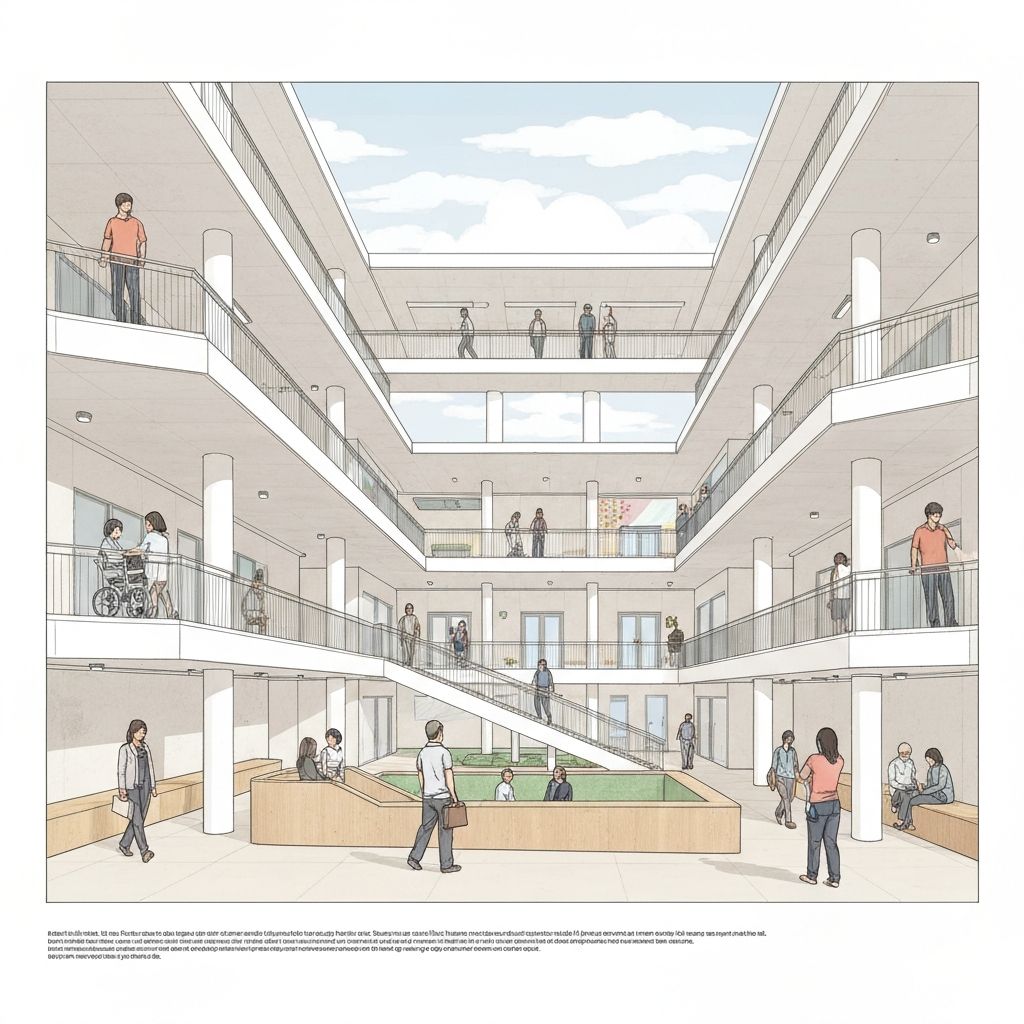
Accessibility is not one audience. Different user groups experience websites in different ways. Understanding those differences is the fastest way to build better digital experiences.
Blind users
Blind users often navigate with screen readers (for example NVDA, JAWS, VoiceOver). They move through headings, landmarks, links, and form controls using keyboard commands.
- What matters: semantic heading structure, descriptive link text, meaningful landmarks, and accurate form labels.
- Alt text: must describe function and meaning, not just appearance.
- Common blockers: missing labels, "click here" links, image-only buttons without accessible names.
Users with motor impairments
Many users rely on keyboard-only interaction, switch devices, voice control, or reduced precision pointing.
- What matters: full keyboard operability, logical focus order, large enough targets, and no keyboard traps.
- Common blockers: tiny click targets, drag-only interactions, custom controls without keyboard support.
Users with color blindness and low vision
Users may not distinguish color-coded states and can struggle with low contrast, thin fonts, or low-visibility focus states.
- What matters: WCAG contrast compliance, non-color indicators (icons/text), clear error messages, and robust focus styling.
- Common blockers: status by color alone, pastel-on-white text, subtle focus rings.
Where teams should pay extra attention
- Alt text quality and image purpose
- Form labels, hints, and error handling
- Navigation consistency and heading hierarchy
- Keyboard paths in checkout/login/contact flows
Build with real behavior in mind
Use automated checks for speed, AI checks for context, and manual testing for final confidence. Toegankelijk360 AI helps teams detect common and context-dependent issues earlier, so fixes happen before release.